Features:
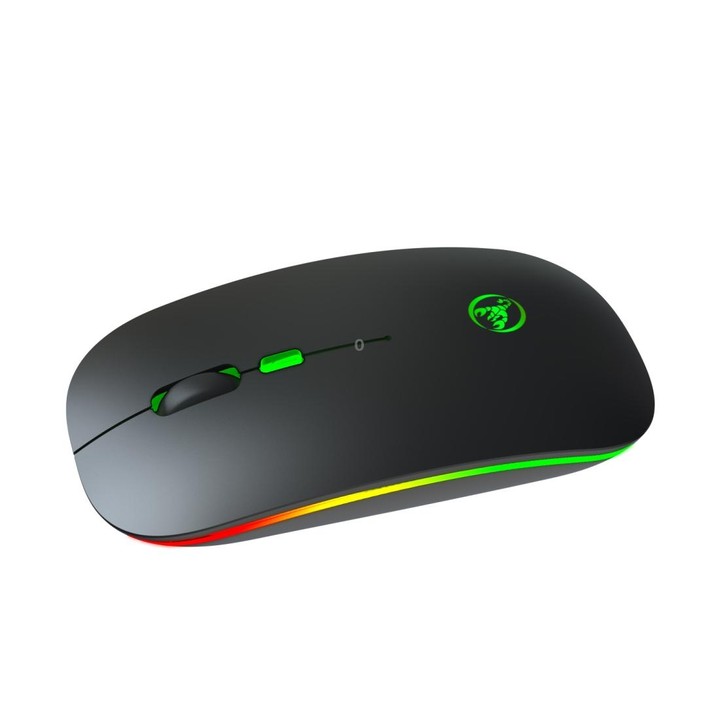
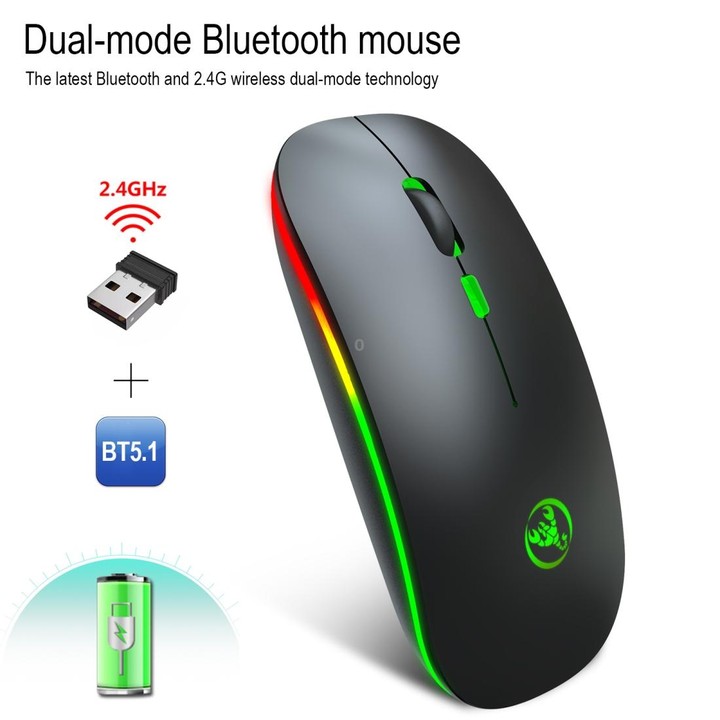
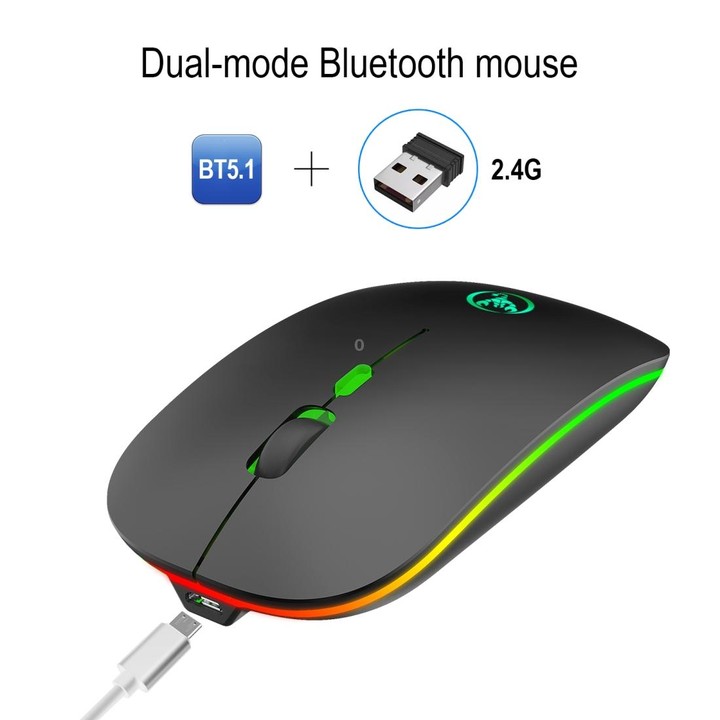
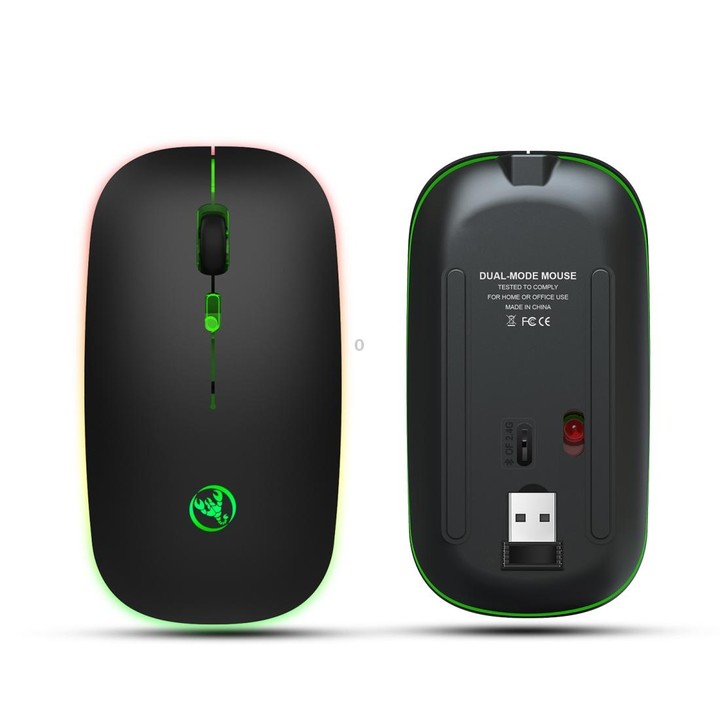
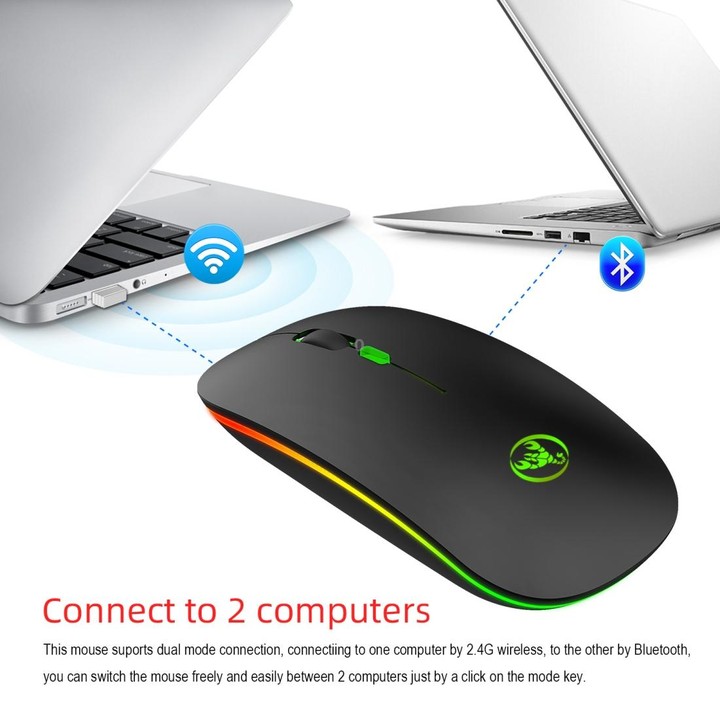
1. T18 colorful light dual mode: BT 5.1 + 2.4 G wireless
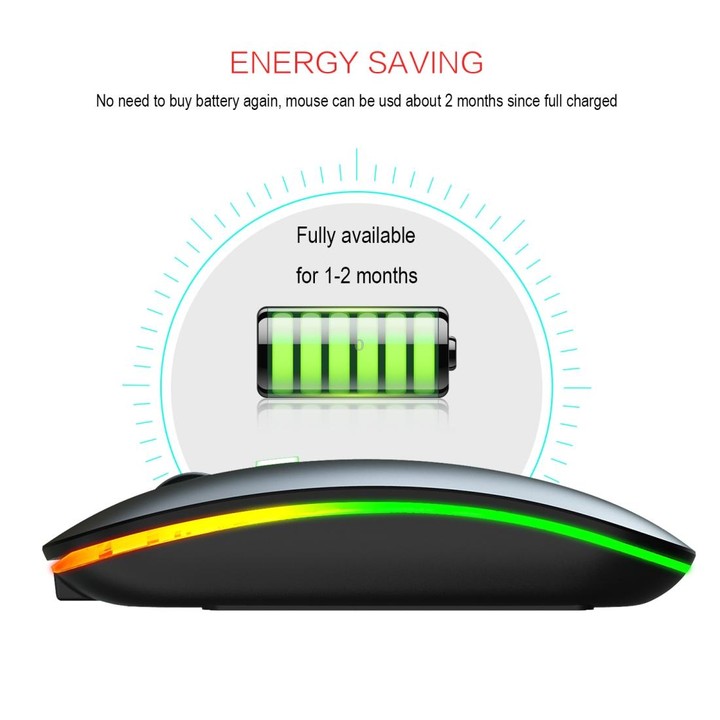
2. Rechargeable: Built-in rechargeable battery
3. Accurate tracking: Professional IC positioning accuracy
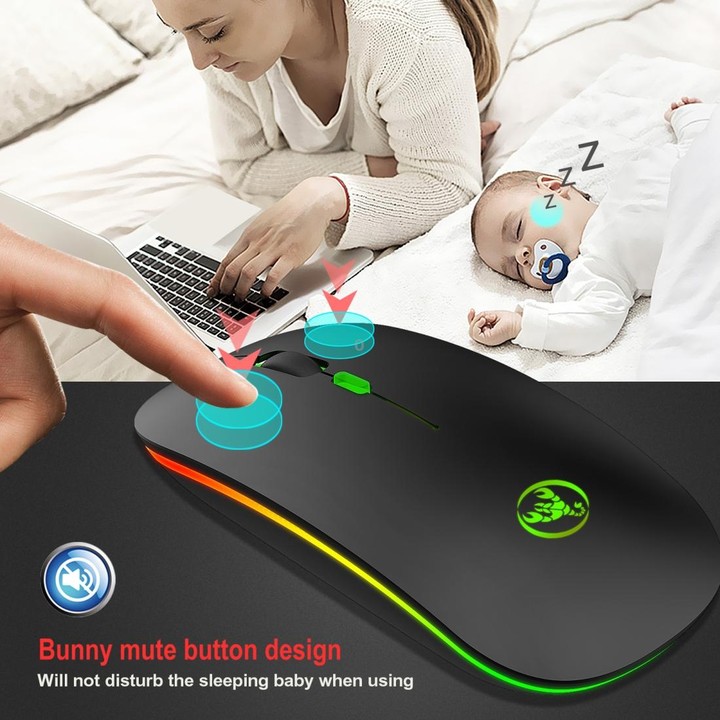
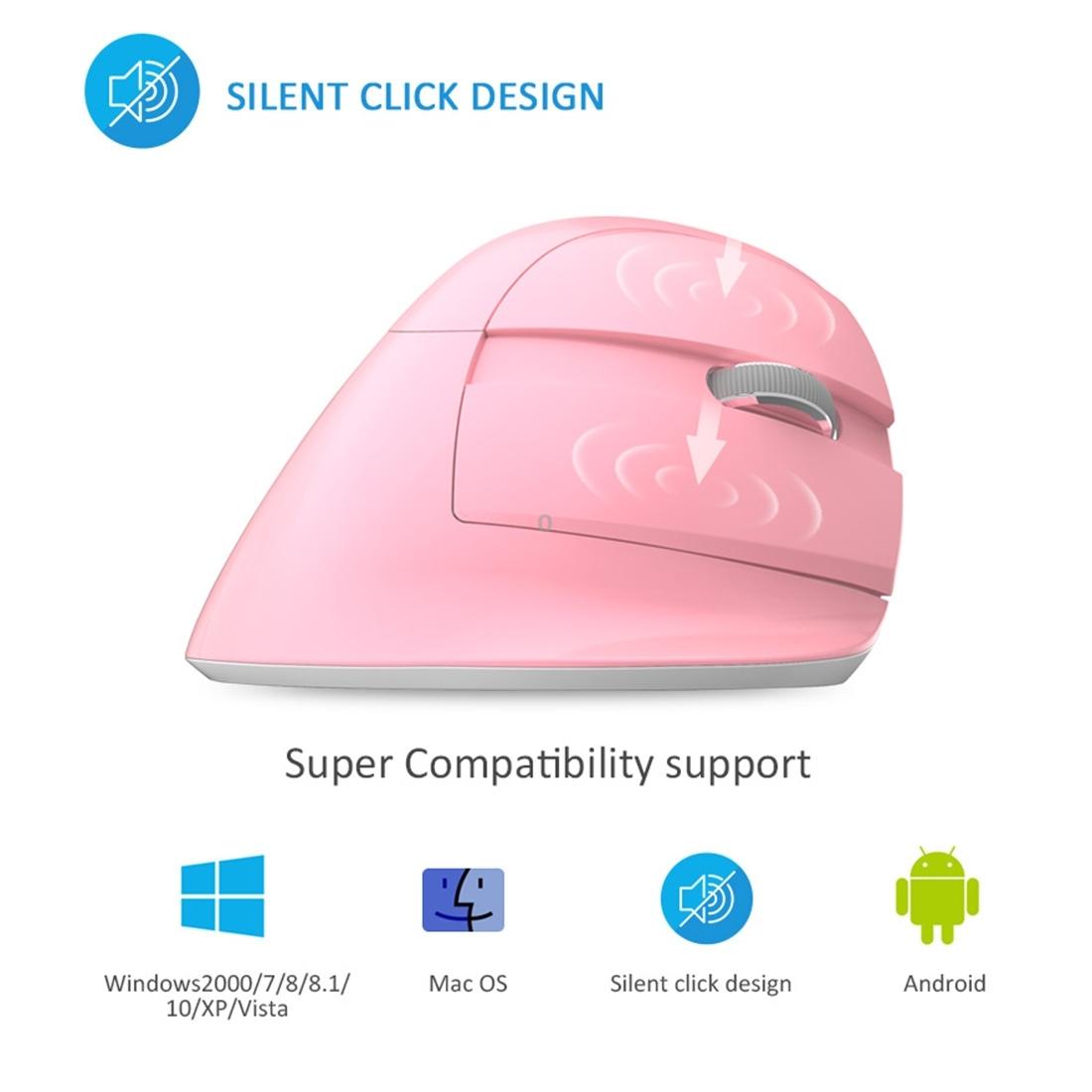
4. Mute key: Optional click mute
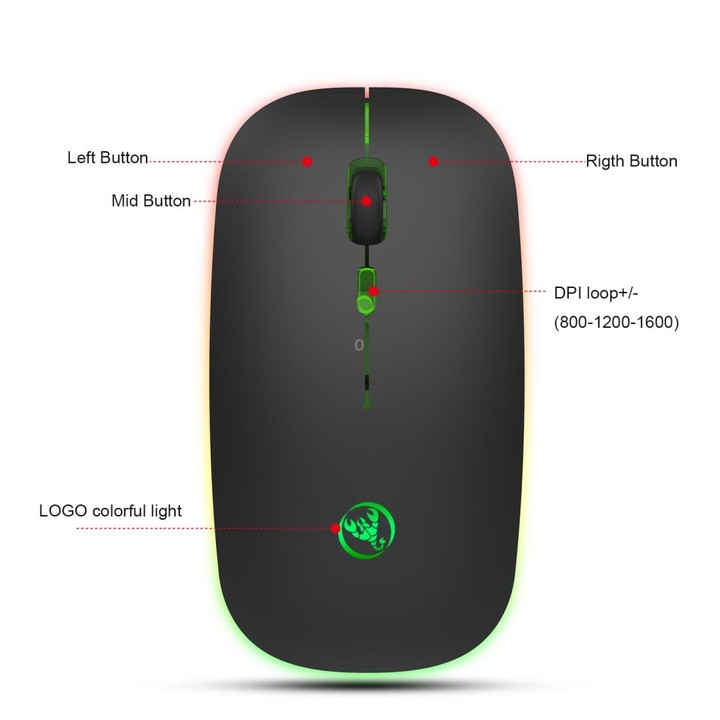
5. High resolution: Max1600 DPI high resolution for fluid motion
6. Sleek design: Slim design, stylish appearance, easy to carry
Specification:
1. Material: ABS
2. Key life: 5 million times
3. Wireless distance: 10m
4. Work: Optoelectronics
5. Colorful glowing office mute wireless mouse
6. Battery capacity: 500mAh (rechargeable)
7. Charging cable length: 25cm
8. Project Type: Ergonomic Optical Mouse
9. Mode of operation: Photoelectric
10. Rated voltage/current: 3.7V/8mA
11. Power supply type: Rechargeable
12. Type: 2.4Ghz wireless + BT5.1 (dual mode)
13. Buttons: 2 buttons and 1 round (medium lamb) and mouse dpi
14. System requirements: Windows, Mac OS (Not for Apple mobile devices)
15. Product weight: 71g
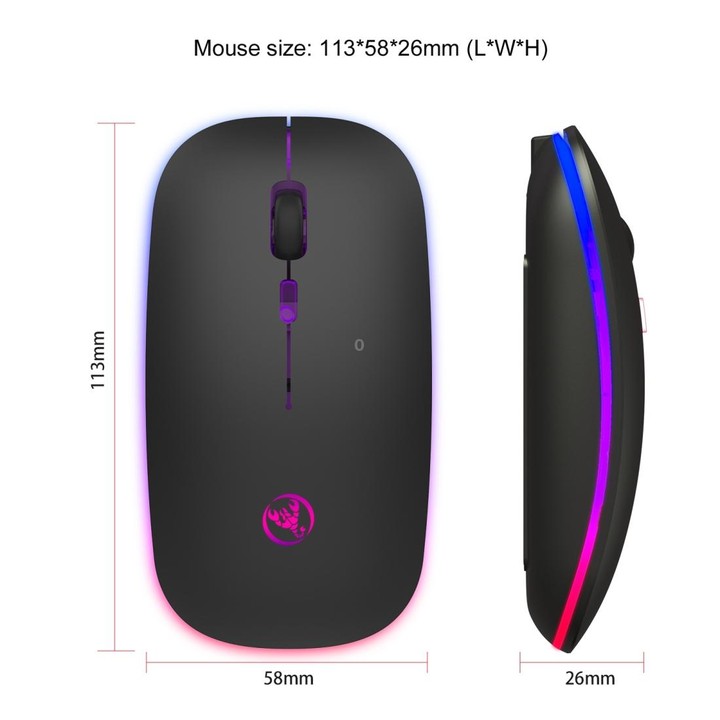
16. Item size: 11.3 x5.8 x 2.6cm
17. Package weight: 99g
19. Packing size: 12.7x7.7x3.2cm
Packing list:
1. Dual mouse (dual mode: BT + 2.4 G wireless) x 1
2. USB receiver x 1
3. USB charging cable (25cm) x 1
4. English Manual x 1
Three-level power saving mode:
1. Three seconds after entering the first sleep light flashes continuously
2. Enter into second sleep about 1 minute, intermittent flashing lights
3. About 8 minutes, enter level 3 sleep, the lights go out
How to use:
For 2.4G wireless mode:
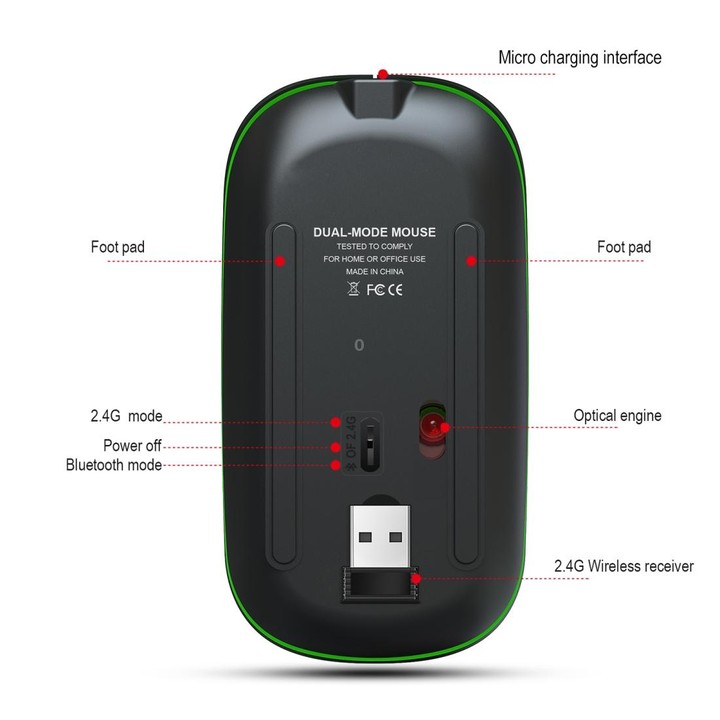
Turn the power switch to 2.4G mode>Mode indicator red light> Plug the receiver into the USB port of the computer> Connected
For Bluetooth mode:
Bluetooth mode connection steps:
1. Open the Bluetooth icon on the computer.
2. Switch the switch to Bluetooth mode,
3. Enter BT5.1 Bluetooth connection mode to select pairing.
Note:
1: Bluetooth mode does not for Apple mobile devices, such as mobile phones.
2: This product is a built-in lithium battery. You only need to set the bottom switch to the ON position.
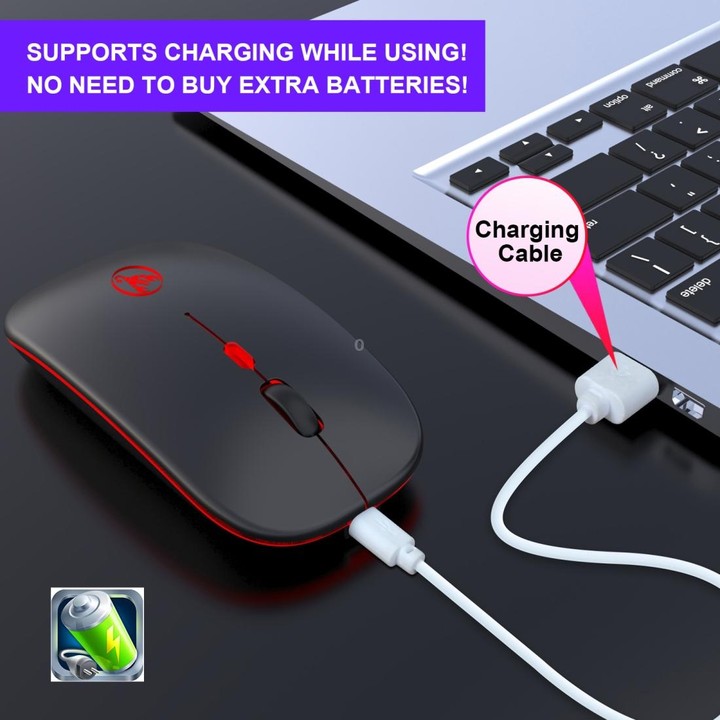
3: The charging cable is included in the package. When the cursor movement delay occurs, please plug the charging cable into the front interface of the mouse to charge. When charging, the mouse can be used normally.
Specification:







Comments (0)
Your review appreciation cannot be sent
Report comment
Report sent
Your report cannot be sent